How to Establish Connections Between Containers
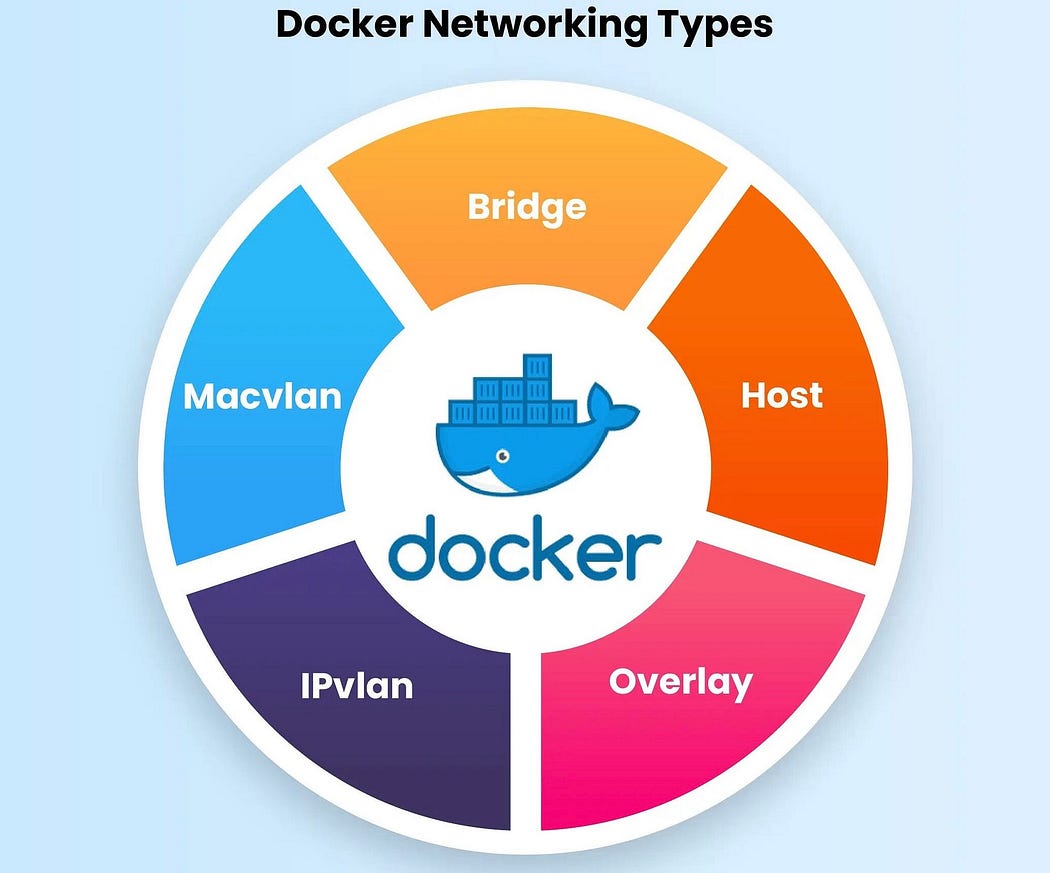
Is it possible for containers to communicate with each other? The answer is yes! Containers can establish connections through Docker networks. Docker provides seven types of networks, each serving different purposes:
- Bridge
- Host
- None
- User-defined Bridge
- Overlay
- IPvLAN
- MacvLAN
Let’s explore each type in detail:
1. Bridge Network
By default, containers use the Bridge network, which allows them to communicate in isolation. To enable communication with the host machine, you can expose and bind ports. For example, the command -p 80:80 exposes port 80 of the container to port 80 of the host machine, making the container accessible from the host.
2. Host Network
In the Host network, the container runs directly on the host machine’s network stack. This means there is no network isolation, and the container shares the host’s IP address.
3. None Network
The None network provides complete isolation for the container. No network interfaces are created inside the container, effectively disabling network communication.
4. User-defined Bridge Network
A User-defined Bridge network allows you to customize the network settings according to your requirements. This type of network is useful for connecting containers that need to communicate in a more controlled and flexible environment.
5. Overlay Network
The Overlay network is used when containers are running on different machines and need to communicate with each other. Docker Swarm uses this network to enable communication across multiple hosts.
6. IPvLAN Network
IPvLAN networks allow containers running on different machines to communicate based on IP addresses. This setup offers a lightweight networking option with good performance.
7. MacvLAN Network
In a MacvLAN network, containers communicate based on MAC addresses. This network type assigns a unique MAC address to each container, allowing them to appear as physical devices on the network.
By understanding and using these Docker network types, you can efficiently manage and establish communication between containers.
Feel free to share this knowledge with others!


Comments
Post a Comment